#
Tour the Interface
#
For Single Game Objects

- Main toolbar - Units, bounds, and space selectors
- Selection bar - Name and type of currently selected game object
- Transform anchor - Visual transform anchor point selector
- Position/Size controls - Direct value input with math expression support
- Preferences - General configuration options
- Sprite info - Quick asset information and actions
#
For Multi-Selections

- Group bounds - Unified bounding box for all selected objects
- Selection Bar - Number of currently selected game objects
- Transform controls - Group positioning (sizing and rotation disabled)
- Alignment tools - Horizontal and vertical alignment options
- Distribution tools - Even spacing and fixed-distance distribution
#
Scene View Elements
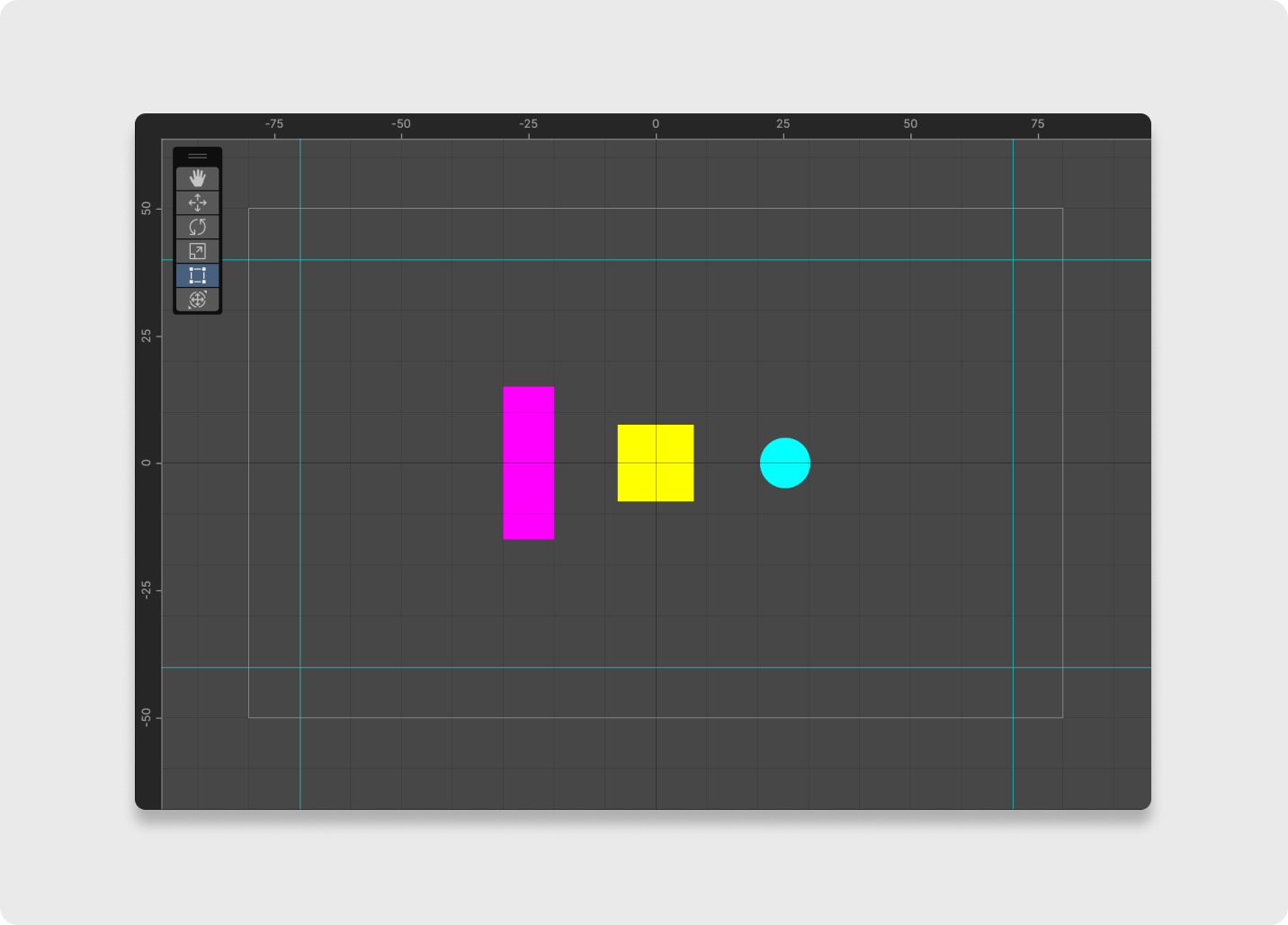
- Rulers - Horizontal and vertical measurement guides
- Guides - Draggable reference lines with snap functionality